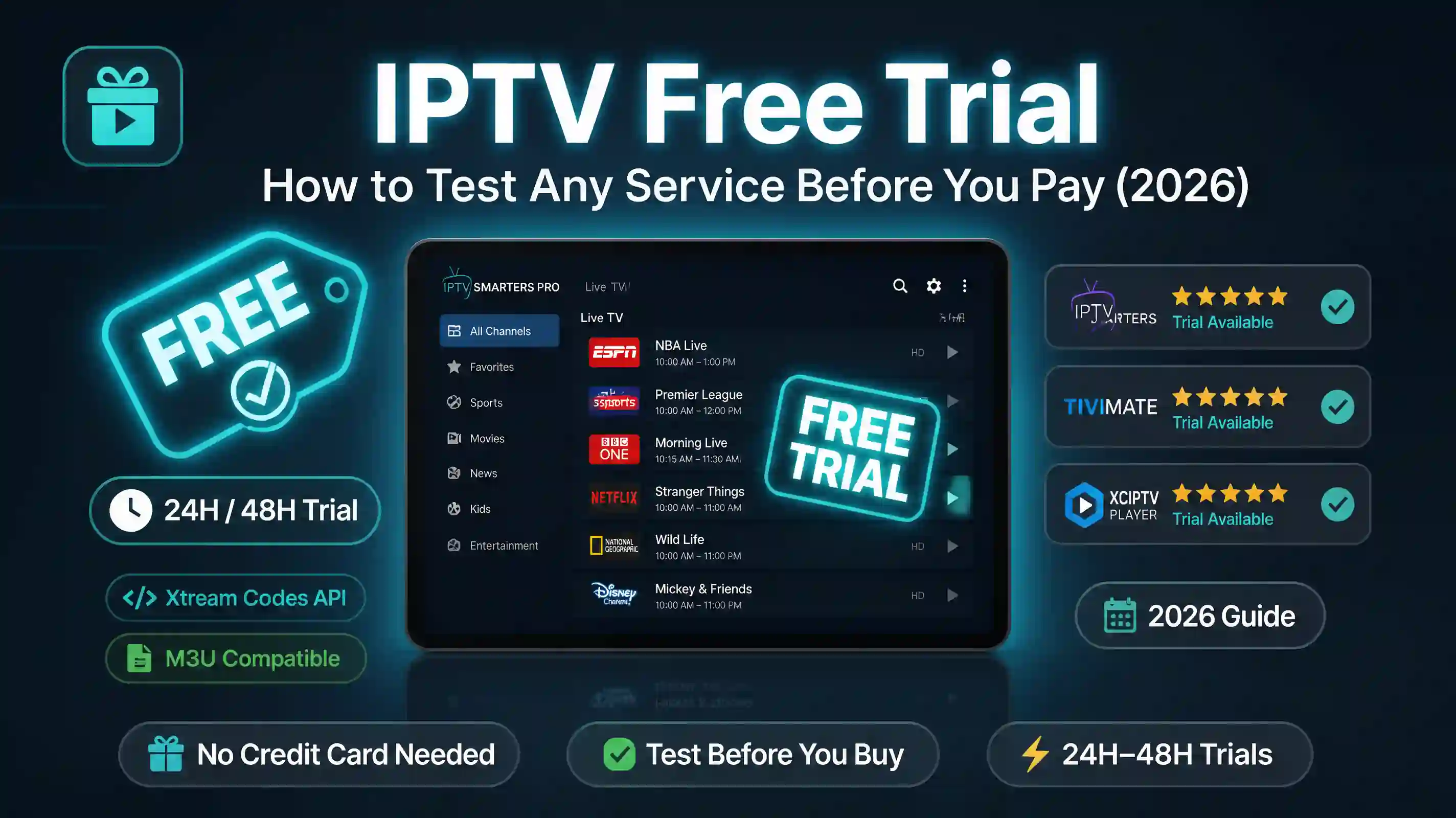
Almost every IPTV provider advertises a free trial. Some give you 24 hours, some 6, some make you message them on Telegram first. The pitch is always the same: test before you commit.
Here’s the part nobody tells you. A free trial only proves the service works right now, on the channels you happened to check, on your connection, at the moment you tested it. It doesn’t tell you whether the server holds up at 9pm on a Sunday when half the country is watching the same match. And it definitely doesn’t tell you whether the people running it will still be around next month.
So a trial is useful — but only if you know what to actually test during those few hours. Most people open three channels, see they work, and pay. Then the buffering starts.
This guide shows you how to test any IPTV service properly, what a legitimate free trial looks like versus a scam, and how to check a subscription’s real status in about ten seconds using a free tool — no trial required.
What an IPTV free trial actually tells you
A free trial answers one question well: do the streams play at all? That’s worth knowing. Plenty of services hand you credentials that connect to a half-dead server with 300 working channels out of an advertised 15,000.
But a trial has blind spots, and they’re the expensive kind.
It can’t show you peak-hour performance. Servers that run flawlessly at 2pm fall apart when concurrent viewers spike during live sport. Your trial at lunchtime tells you nothing about Saturday night.
It can’t show you channel stability over time. IPTV channels die and get re-added constantly. A channel that works during your trial might be gone in a week, and a service with no real maintenance team won’t fix it.
It can’t show you whether the provider is reliable as a business. The single biggest risk with cheap IPTV isn’t the streams — it’s paying for a year and having the service vanish in two months. No trial reveals that.
So treat the trial as a basic smoke test, not proof of quality. The goal during those hours is to gather as much hard data as you can, fast.
Test any IPTV service in 10 seconds
Before you even start a trial — or to check a trial you already have — you can test the credentials directly instead of clicking through channels one by one.
When a provider gives you a trial, you get one of two things: an M3U URL or Xtream Codes credentials (a server URL, username and password). Both can be tested instantly without installing anything.
Paste them into our free IPTV Checker. In about ten seconds it tells you:
- Whether the server is online and responding
- How many channels are actually active (not the advertised number)
- Your subscription’s real expiry date
- The server’s response latency — the early-warning sign for buffering
This matters because it separates the service from your setup. If the checker says the server is healthy and the streams are live, but the app on your TV still won’t play, the problem is your device or player — not the trial. That one distinction saves most people an hour of pointless troubleshooting.
If your trial only came as an M3U link but your app wants Xtream Codes (or the other way round), you can convert between the two formats with the M3U to Xtream Converter — no need to go back to the provider.
What to check during your trial
Once the checker confirms the server is alive, spend your trial hours stress-testing the things a quick glance misses. Work through this list in order.
Test during peak hours, not off-peak
This is the one rule that matters most. Open the service between 8pm and 11pm your local time, ideally during a live sporting event. If it holds up then, it’ll hold up anytime. A flawless trial at 10am proves almost nothing.
Check the channels you actually watch
Don’t browse the 15,000-channel list feeling impressed. Open the specific channels you’re paying for — your sports networks, your local channels, the kids’ channels, whatever the household actually uses. A service can have thousands of channels and still be missing the five you care about.
Watch one channel for ten full minutes
Buffering rarely shows up in the first thirty seconds. Leave a single HD channel running for ten minutes straight and watch for freezes, audio drift, or quality dropping. A stream that rebuffers every few minutes is unwatchable no matter how good the channel list looks.
Test on the device you’ll really use
If you watch on a Fire Stick, test on the Fire Stick — not your phone. Fire Sticks have limited memory and weaker decoders, and a stream that’s smooth on a flagship phone can stutter on cheap streaming hardware.
Note the expiry the checker showed you
Some “24-hour” trials quietly expire in six. If the IPTV Checker showed a shorter window than promised, that’s your first data point on how honest the provider is.
Legit free trial vs scam — the tells
Not every free trial is a setup for a scam, but the format attracts plenty of them. Here’s how to read the signs before you hand over any money.
| Green flag | Red flag |
|---|---|
| Trial works without you paying anything first | Asks for a deposit or card details “to verify” |
| Clear contact channel that replies quickly | Telegram-only, vanishes after sending credentials |
| Honest about channel count and what’s included | Claims 20,000+ channels for $5/month |
| Offers a refund or money-back window | ”No refunds” stated upfront, crypto-only payment |
| Trial credentials test clean in the checker | Server fails the checker but they push you to pay anyway |
The clearest scam tell is being asked for payment information to start a free trial. A genuine trial costs the provider almost nothing to issue. The moment a card number is required before you’ve watched a single channel, you’re not the customer being served — you’re the one being harvested.
The second tell is pressure. A real provider lets the service sell itself during the trial. A scam rushes you: limited spots, price goes up tonight, pay now to lock in. Streaming services don’t run out of stock.
And run every trial through the IPTV Checker before paying. If they’re pushing you to subscribe while the server fails a basic connection test, that’s the whole answer.
Do you even need a trial?
Here’s a slightly contrarian take: for a lot of people, the free trial is the wrong thing to optimize for.
If a service is cheap enough — a few dollars for a month — the smartest “trial” is just buying the cheapest plan and testing properly for a few days with the methods above. A month’s subscription gives you real peak-hour data across several evenings, which a six-hour trial never can. If it’s bad, you’re out the price of a coffee. If it’s good, you’ve already got it set up.
What actually protects you isn’t the length of the free trial. It’s two things: testing the credentials with a tool that’s independent of the provider’s app, and choosing a service you can reach when something breaks. A provider who answers a message in an hour is worth more than one offering a week-long trial and zero support afterward.
That’s the real filter. Test the server honestly, and pick someone who’ll pick up the phone.
IPTV Free Trial FAQ — Testing, Safety & Scams
Most providers offer a trial if you ask directly — usually through a contact form, WhatsApp or email. You'll receive either an M3U URL or Xtream Codes credentials (server URL, username, password) that work for a set window, often 24 hours. Before testing channel by channel, paste those credentials into the IPTV Checker to confirm the server is live and see the real channel count.
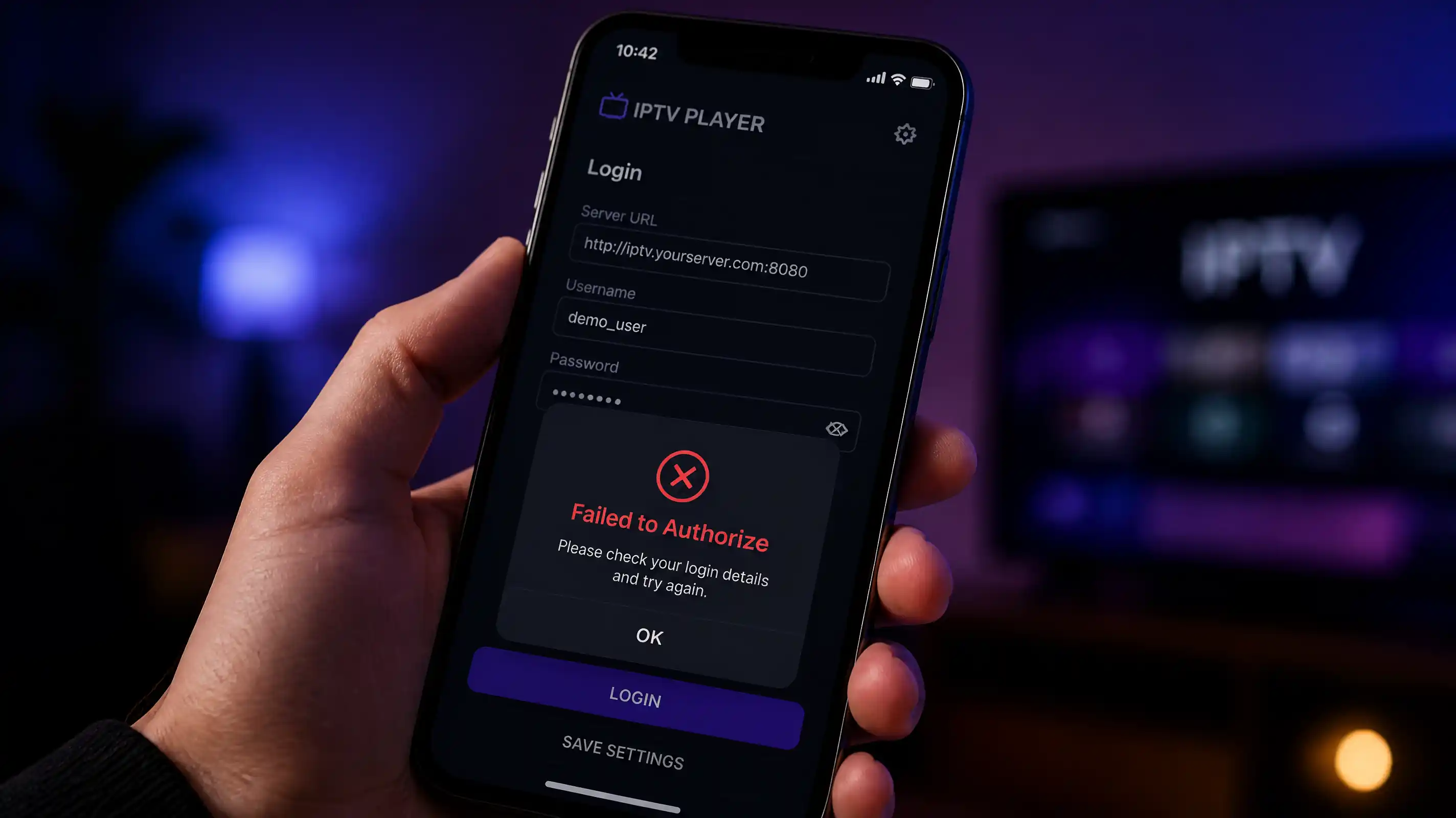
The trial itself is usually safe — you're just receiving stream credentials. The risk is twofold: a trial that asks for your card or a deposit upfront (a scam tell), and the unofficial apps some providers push, which can carry malware. Never give payment details for a free trial, and test the credentials in a checker rather than installing software you don't trust.
A legitimate free trial should not require a credit card. Issuing trial credentials costs the provider almost nothing, so there's no reason to take payment details first. If a service demands a card number or deposit before a free trial, treat that as a warning sign and walk away.
It varies — common windows are 6, 12 or 24 hours. Some providers advertise 24 hours but the credentials expire sooner. Check the real expiry date with the IPTV Checker when you receive your trial. If it's shorter than promised, that tells you something about how the provider operates.
If you already have credentials from any source, you can test them instantly with the IPTV Checker — it shows server status, active channel count and expiry without installing an app. For a fuller test, buying the cheapest one-month plan and testing across a few evenings gives you better peak-hour data than a short trial ever will.
Because you likely tested during off-peak hours. IPTV servers handle far more concurrent viewers in the evening, especially during live sport, and underpowered servers buffer or drop streams under that load. Always test a trial between 8pm and 11pm to see real-world performance. The server's response latency in the IPTV Checker is an early indicator of how it'll cope.
Yes. If your trial came as an M3U URL but your app needs Xtream Codes credentials (or the reverse), use the M3U to Xtream Converter to switch formats without contacting the provider again.
IPTV testing tools
IPTV Checker
Test any M3U URL or Xtream Codes trial. Shows server status, active channel count, subscription expiry and response latency in seconds.
M3U to Xtream Converter
Convert a trial M3U link to Xtream Codes credentials, or the other way round, so it works in any IPTV player.
IPTV Speed Test
Measure your connection speed and latency to the server — tells you whether buffering is your internet or the provider.
Channel Viewer
Browse a trial's full channel list, spot dead streams, and see exactly what's active before you commit.