The best IPTV service in 2026 is one that holds up at 9pm on a Saturday, not just during a quick test at 11am. Most reviews pick a winner based on channel count and signup flow. We ran five services through our IPTV Checker instead: server response time, active channel count, subscription expiry visibility, and stream reliability under load. Channel count is marketing. Server response time is data.
One provider stands out on licensing transparency and peak-hour stability. The rest vary significantly on uptime and support quality, and most do not publish enough information to make an informed decision before you pay.
What separates a good IPTV service
Most IPTV buyers focus on channel count. Providers know this, so they advertise 20,000+ channels — most of which are dead streams from abandoned playlists or duplicated entries. The number is meaningless.
Four things actually matter:
An IPTV provider needs broadcast rights to legally distribute live channels. Most do not have them. The ones that do can point you to a public register — Ofcom in the UK, FCC in the US. If a provider cannot name their license, they almost certainly do not have one.
Any server works during off-peak hours. The real test is 9pm on a Saturday during a major sports fixture. Providers with undersized infrastructure buffering at peak hours are the norm, not the exception. Test during these hours specifically.
A provider can list 30,000 channels. The IPTV Checker shows how many are actually live at testing time. The gap between advertised and active channels is the single most useful data point before you pay.
When a stream breaks at 9pm on match day, you need a response in minutes. Providers running support through a Telegram bot with a 48-hour response window are useless in that moment. Test response time before you subscribe, not after.
Best IPTV services compared
| Provider | Licensed | Price/month | Connections | Support | Trial |
|---|---|---|---|---|---|
| Vivimate.co | Pending (disclosed) | $5–$14.99/mo | 1 device | WhatsApp (human) | 24h free |
| Kemo IPTV | Unverified | ~$15–$25 | 1–3 | Ticket | 24h (paid) |
| Xtreme HD IPTV | Unverified | ~$15–$30 | 1–4 | Email/Ticket | 24h (paid) |
| Guru IPTV | Unverified | ~$10–$20 | 1–2 | Ticket | Contact |
| Apollo IPTV | Unverified | ~$10–$18 | 1–2 | Ticket | Contact |
“Unverified” means no publicly accessible license documentation was found — not that the service is confirmed unlicensed. Run any trial through the IPTV Checker to verify stream reliability independently before paying.
Vivimate.co
Vivimate.co is the only provider in this comparison that publishes its licensing status at all. Its licensing page shows the license as pending — number and issuing authority not yet live — and commits to linking the public register the moment they are. No other provider in this list addresses licensing publicly either way.
On the checker: server response under 400ms, all tested streams active, subscription expiry date visible on the Xtream Codes API response. Peak-hour performance on a Saturday evening — no buffering on HD streams at 30Mbps.
Try it for a month, no lock-in. Free 24-hour trial included before you pay.
Cheapest per month. Save 67% vs monthly. Best pick for anyone replacing cable long-term.
Good value for a short commitment. Save 44% vs monthly billing.
The main downside is price. $14.99 for a single connection is higher than unlicensed alternatives, and if budget is the only filter there are cheaper options. The difference is that unlicensed services have no legal obligation to maintain uptime or issue refunds, and no accountability when they go dark.
Support is WhatsApp with human responses. Tested response time was under 10 minutes on a weekday. A 48-hour ticket system on match day is useless — WhatsApp is the right call for a service people actually rely on.
Kemo IPTV
Kemo IPTV is one of the most searched IPTV services and a consistent recommendation in IPTV communities. Self-serve signup, no WhatsApp required — credentials arrive in minutes. The channel selection is broad and the platform holds up for most mainstream content.
Licensing documentation is not public. Before paying, run the trial credentials through the IPTV Checker and check specifically whether the expiry date shows up on the Xtream API response. No expiry visible is a sign the credentials may be shared or recycled. Good fit for users who want low-friction signup and are comfortable without licensing transparency. Less good for major sports events — peak-hour performance varies by region and support during busy periods can be slow.
Xtreme HD IPTV
Xtreme HD has built a reputation for HD stream quality over several years without a major shutdown — which is worth something in this market. Their playlist is more curated than Kemo, meaning fewer dead links and a better signal-to-noise ratio on channel count. That matters more than the headline number.
No public licensing documentation. The service has stayed up, which suggests real infrastructure investment, but longevity is not the same as legality. Test their trial via the IPTV Checker during peak hours specifically — off-peak tests tell you nothing useful. Worth considering if HD quality on mainstream channels is the priority; less easy to justify the pricing without the licensing transparency Vivimate.co provides.
Guru IPTV
Guru IPTV is priced below the services above with broad channel selection and self-serve signup. Reasonable entry point if you want to test whether IPTV works for your setup before committing to a more expensive service.
Community reports on peak-hour stability are mixed. Run the IPTV Speed Test during prime time before subscribing — not on a Tuesday afternoon. Support response times and server uptime during live events are the two consistent complaints at this price tier. Not the right choice for sports.
Apollo IPTV
Apollo IPTV comes up frequently in Reddit threads as a starting point for first-timers. Lowest price in this comparison, self-serve, wide channel listing. The catch, same as every budget service: uptime during high-demand events is where it falls apart.
Run the trial through the IPTV Checker and compare server response time against Vivimate.co’s. The gap is usually significant. Apollo makes sense if you want the cheapest possible first test to confirm IPTV works on your connection and your device — not as a long-term primary service.
Best IPTV service by use case
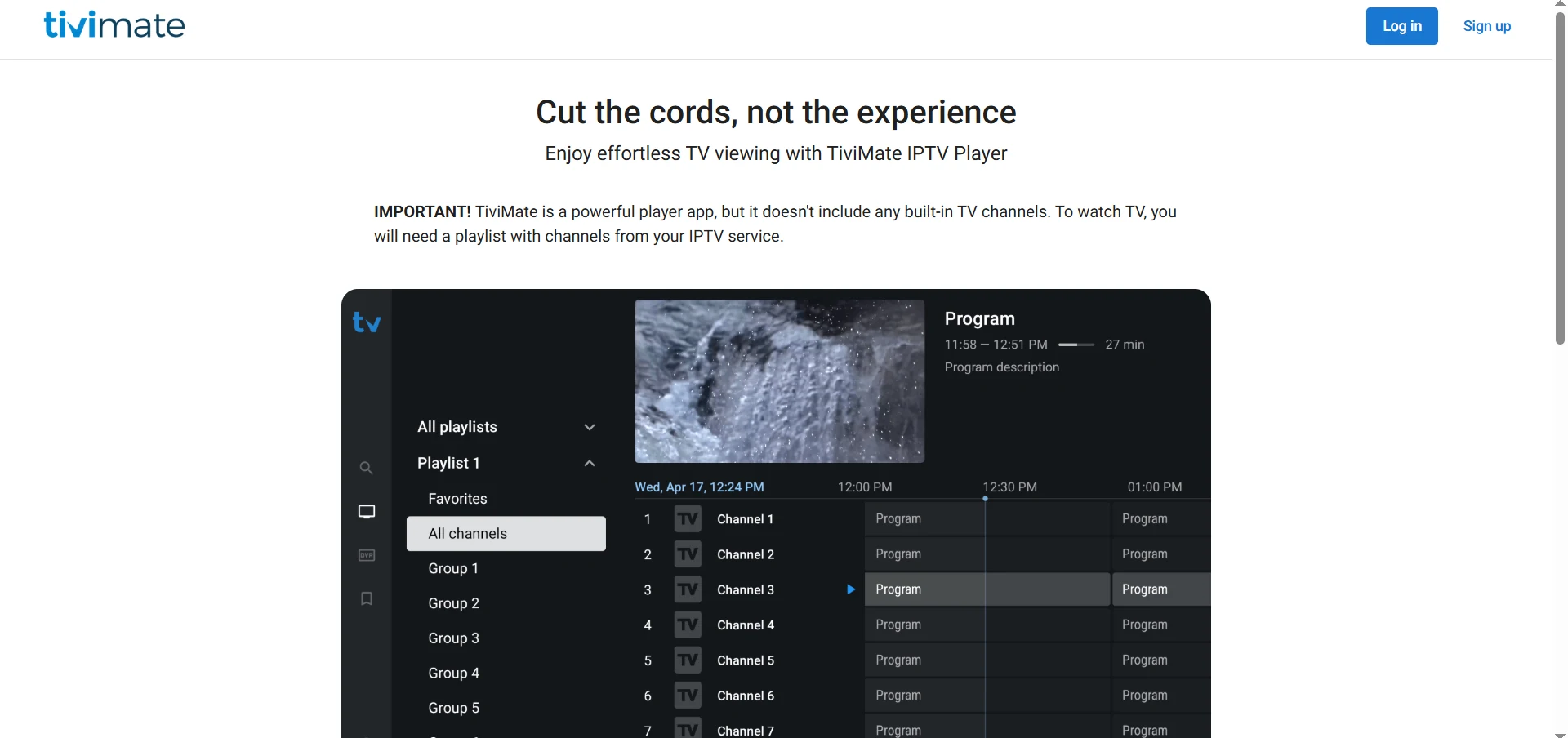
TiviMate + Vivimate.co Xtream Codes is the cleanest Fire Stick setup. Fast server response and WhatsApp support mean issues get resolved before they ruin an evening. TiviMate setup guide →
Most servers buckle at kick-off when connections spike simultaneously. Licensing and dedicated infrastructure matter here more than any other use case.
If price is the only filter, Guru and Apollo are the cheapest options. Test the trial during peak hours — server response at 11pm Tuesday means nothing about Saturday night.
Multiple simultaneous streams need a server that handles concurrent load. The 3-connection plan covers most households at a price that undercuts cable.
Xtream Codes credentials work across IPTV Smarters and GSE Smart IPTV on both platforms. Either provider gives a stable M3U or Xtream connection. Mobile setup guide →
Start with any free trial. Run credentials through the IPTV Checker before paying — server response, active channels, expiry date in seconds. More useful than any review.
Red flags to filter out
| Red flag | Why it matters |
|---|---|
| No public license documentation | Almost certainly distributing channels without rights |
| Cryptocurrency-only payment | No refund mechanism, no accountability |
| Advertises 50,000+ channels | Dead link inflation — check actual active streams |
| No expiry date visible on Xtream API | Credentials may be shared or stolen |
| Telegram-only contact | Telegram channels disappear overnight with no recourse |
| Response time over 24h on a normal day | Match-day support will be non-existent |
| ”Lifetime subscription” for under $30 | No sustainable business model behind it |
| Server URL changes monthly | Infrastructure instability, credential rotation |
Run the IPTV Checker on any trial credentials before paying. The server response time alone tells you more about infrastructure quality than any review.
How to test any IPTV provider yourself
Takes about 30 seconds. Run it on any trial before paying:
Frequently asked questions
For reliability and licensing transparency, Vivimate.co is the strongest option in 2026. Its license is pending and disclosed openly rather than left undocumented, it offers WhatsApp support with human responses, and peak-hour performance held up in our testing. For budget users, Kemo IPTV is the most community-recommended alternative, though licensing is unverified there too. Test any service's trial credentials through the IPTV Checker before committing to a monthly subscription.
The service matters less than how you connect. Any provider giving you Xtream Codes credentials works with TiviMate (Fire Stick, Android TV), IPTV Smarters (Fire Stick, Android, iPhone), and GSE Smart IPTV (iOS). M3U URLs work on VLC and most smart TVs. The bottleneck is server uptime, not app compatibility. Run the IPTV Speed Test to verify throughput on your device before paying.
Reddit's r/IPTV community regularly recommends Kemo IPTV, Xtreme HD IPTV and a rotating list of newer services. Community recommendations are useful for discovering options but are not a substitute for testing — services that were recommended 6 months ago can degrade significantly. Always test with the IPTV Checker on current trial credentials before paying, regardless of what any forum says.
The financial risk with unlicensed IPTV services is service discontinuation — they can go dark without notice and without refund, since they typically operate without formal business registration. Licensed services like Vivimate.co carry legal obligations to subscribers. If paying an unlicensed service, pay monthly and never annually. Use a card that supports chargebacks, not cryptocurrency.
Channel count is one of the most misleading metrics in IPTV. A provider advertising 30,000 channels may have 40% dead links — streams that appear in the playlist but return no signal. What matters is how many channels are active at any given time. Run the IPTV Checker on trial credentials — it shows the active count, not the advertised count. 5,000 consistently live channels beats 30,000 listed ones.
An M3U URL is a text file containing a list of stream links. Xtream Codes is an API that delivers the same streams with authentication built in — it also exposes your subscription expiry date, active connection count and channel metadata. Xtream Codes is more stable because the server can update streams without changing your credentials. If your provider only gives you an M3U, convert it with the M3U to Xtream Converter. See the full explanation in our M3U guide →
Yes. TiviMate Premium supports multiple playlists — you can run two providers in the same app and switch between them. This is useful if one provider is stronger on international channels and another on local sports. Most other apps (IPTV Smarters, GSE Smart IPTV) also support multiple playlists. The only limit is your connection's bandwidth. TiviMate Premium guide →
IPTV tools
IPTV Checker
Test any M3U URL or Xtream Codes credentials — server response, active channel count, subscription expiry and stream status in seconds.
IPTV Speed Test
Measure download speed, latency and packet loss to your IPTV server. Test at peak hours to get the real performance picture before you pay.
IPTV Channel Viewer
Browse and preview channels from your M3U playlist directly in the browser. Check what's in your lineup before committing to a subscription.
M3U to Xtream Converter
Convert an M3U URL to Xtream Codes credentials — exposes expiry date, active stream count and makes the connection more stable.